|
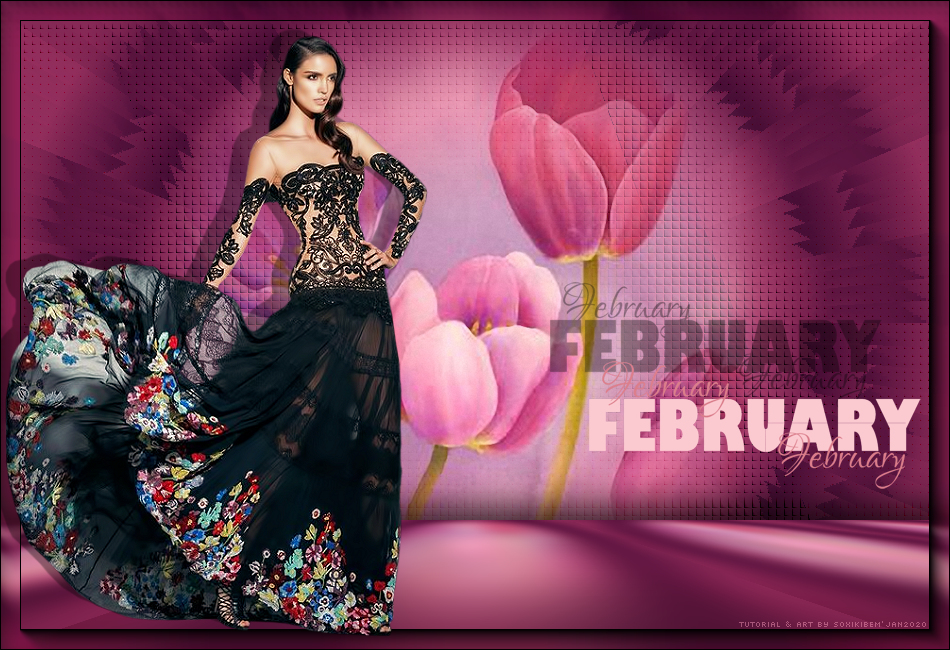
MATERIAL 1Tube a sua escolha 1 Misted Flores a sua escolha FEB_ByKathyfrances
PLUGINS AAA Frames Mura's Meister Unlimited 2.0
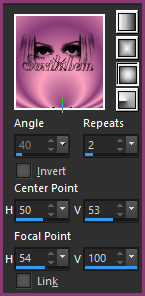
ROTEIRO 01- Abra o seu material no psp, duplique e feche os originais. Retire duas cores para trabalhar. Aqui usei as cores: Foreground: #873c75 Background: #fda1c0 Forme um gradiente Sunburst como no print abaixo.
02 - Abra uma transparência de 950x650px. Pintar com o gradiente.
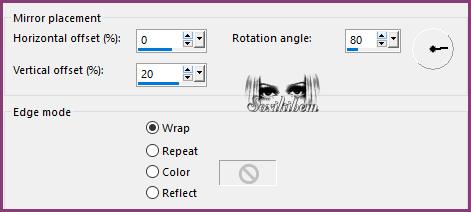
03 - Effects > Reflection Effects > Rotating Mirror.
04 - Layers > Duplicate. Image > Mirror > Mirror Horizontal. Image > Mirror > Mirror Vertical. Layers > Properties: Blend Mode Multiply. Layers > Merge > Merge Down.
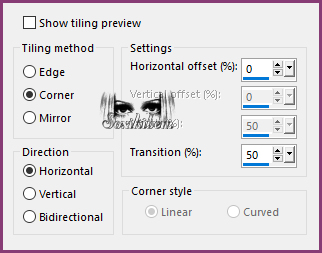
05 - Layers > Duplicate. Image > Free Rotate: Right, 90, all layers desmarcado. Effects > Image Effects > Seamless Tiling.
Layers > Properties: Blend Mode Darken.
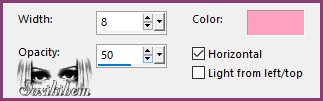
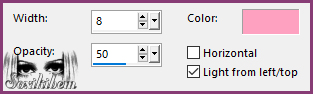
06 - Effects > Texture Effects > Blinds. Com a cor do background.
Effects > Texture Effects > Blinds.
Effects > Edge Effects > Enhance.
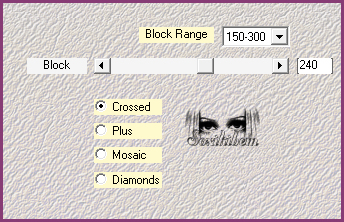
07 - Ative a layer Raster 1. Plugin Unlimited 2.0 > Bkg Designer sf10 II > FFU Edge Average: 163. Plugin Mehdi > Sorting Tiles.
08 - Plugin Unlimited 2.0 > Bkg Designer sf10 II > MirrorChaos: 38.
09 - Ative a Layer Copy of Raster 1. Edit > Copy no Misted Flor. Edit > Paste a New Layer.
10 - Layers > Merge > Merge Visibile. Layers > Duplicate. Adjust > Blur > Gaussian Blur: 50.
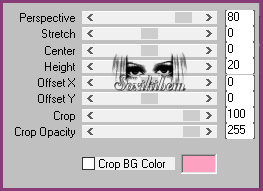
11 - Plugin Mura's Meister > Perspective Tiling.
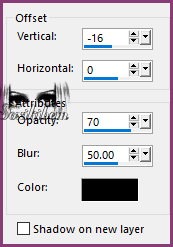
12 - Effects > 3D Effects > Drop Shadow.
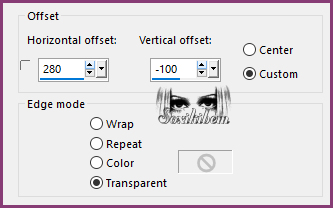
13 - Edit > Copy no FEB_ByKathyfrances. Edit > Paste a New Layer. Image > Resize em 50%, all layers desmarcado. Effects > Image Effects > Offset.
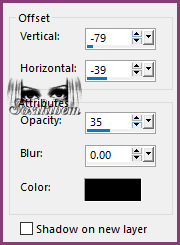
14 - Effects > 3D Effects > Drop Shadow.
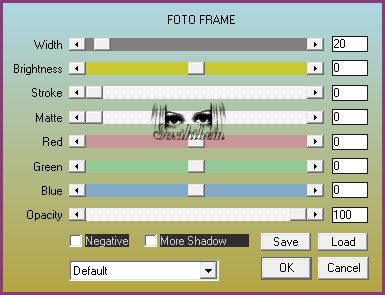
15 - Layers > Merge > Merge Visibile. Plugin AAA Frames > Foto Frame.
16 - Edit > Copy no tube. Edit > Paste a New Layer. Posicione a esquerda. Aplique Drop Shadow como preferir.
17 - Se você
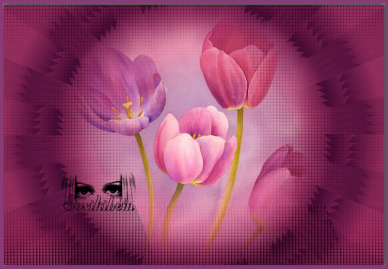
desejar redimensione seu trabalho. File > Export>JPEG Optmizer. Créditos: Tutorial by Soxikibem para o AOG-PSP Tubed & Misted by Isa - WordArt by KathyFrances
VERSÕES
Sonia
|